

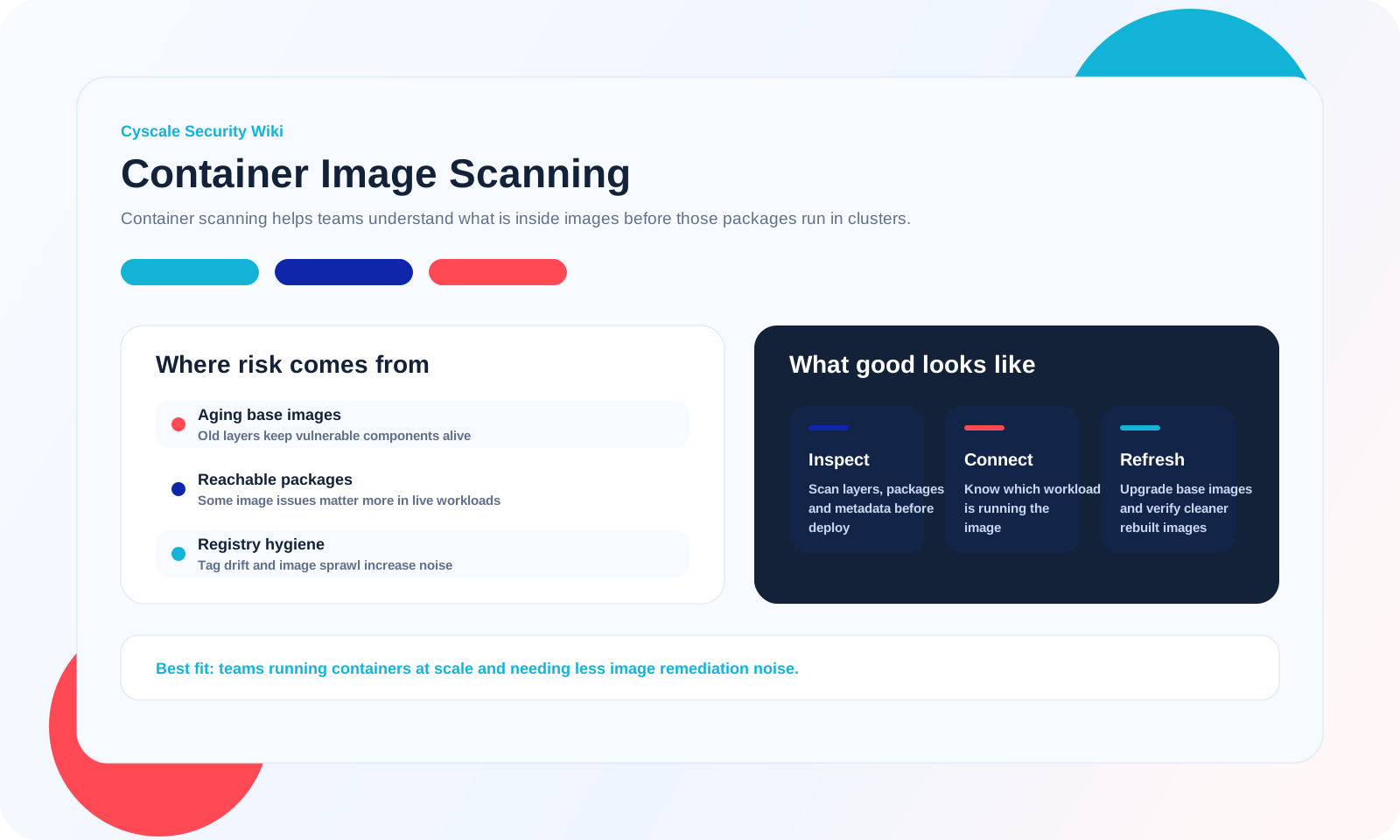
Containers move fast, and that speed can hide risk. A single image may include an old base OS, vulnerable packages, leaked credentials, unnecessary binaries, and unsupported runtimes that stay invisible until production.
Strong image-scanning programs look beyond CVE counts. They show what is actually deployed, which workloads are exposed, and which fixes matter most based on service criticality and runtime context.
Key questions to ask
- -Can the platform scan both OS packages and language-specific dependencies inside the same image?
- -Does it surface base image age, unsupported software, and fix guidance in a way developers can act on quickly?
- -Can teams connect image findings to the Kubernetes, VM, or serverless workloads that actually run those artifacts?
- -Is SBOM generation built in so inventory stays consistent across build and runtime stages?
What image-scanning workflows should include
- -Operating-system and application-package vulnerabilities across base images and application layers.
- -Secrets, unnecessary tools, unsafe image contents, and software that should not be present in production workloads.
- -Unsupported or end-of-life components that increase long-term operational risk even when no CVE is assigned yet.
- -SBOM-based inventory so teams can compare what is built, shipped, and running across environments.
Common tooling and analysis patterns
- -SBOM generators such as cdxgen help teams inventory packages and components inside built container images.
- -Dependency analyzers such as dep-scan help map image contents to known vulnerable packages and fix paths.
- -Image scanning is stronger when combined with Dockerfile review, base image hygiene, and workload exposure context.
- -Teams should track not just package count, but whether risky images power internet-facing or high-value services.
How Cyscale operationalizes this
- -Cyscale helps teams connect image findings with deployed workloads, internet exposure, and business-critical services.
- -SBOM-driven visibility reduces blind spots across short-lived container release cycles.
- -Security and platform teams can prioritize image remediation based on practical impact instead of scanning volume alone.
FAQ
Is scanning the Dockerfile enough?
No. Dockerfile review matters, but teams also need to inspect the final built image because inherited layers and installed packages create most of the risk.
Should image scanning happen only in CI?
No. CI scanning is essential, but teams also need post-build and runtime-linked visibility because images can be reused long after release.
Do minimal base images eliminate image risk?
They reduce attack surface, but they do not remove dependency issues, leaked secrets, unsupported runtimes, or application-level vulnerabilities.


